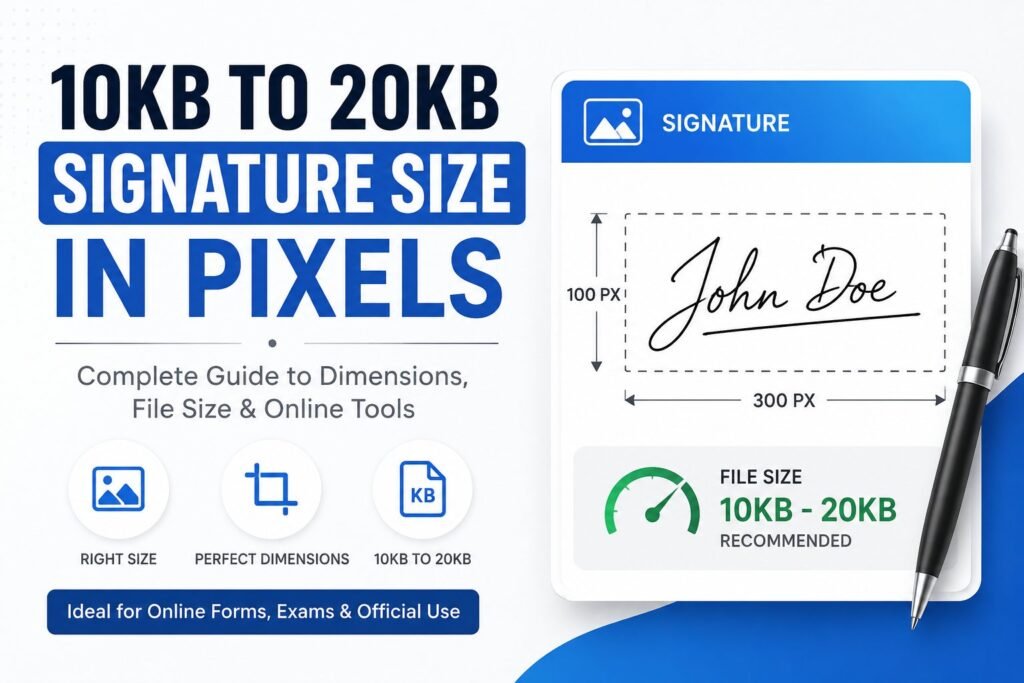
Signature Resizer (10KB - 20KB)
Resize your signature photo to exact pixel dimensions and compress automatically between 10KB to 20KB.
Upload Signature
Drag & drop signature image here or click to browse
Exam / Govt Preset (Pixels)
Custom Pixel Size
Strict File Size Target
Signature Resizer Online (10KB to 20KB): Online Exam & Govt Forms Ke Liye Signature Resize Karen
Kya aap SSC, UPSC, Banking (IBPS, SBI), Railways ya Railway Recruitment Board (RRB) ka online application form bhar rahe hain aur aapka signature file size ya pixel dimensions rejection ka karon ban raha hai? Aksar government portal par form fill karte waqt sabse bada issue hota hai signature ko 10KB to 20KB size aur exact Pixel dimensions (jaise 140×60 px) mein upload karna.
Is Online Signature Resizer Tool ki madad se aap bina kisi software ko install kiye, apne mobile ya computer se sirf 5 seconds mein apni signature image ko 10KB se 20KB ke andar resize aur compress kar sakte hain.
Online Form Me Signature Dimensions aur Size Target Kyun zaroori hai?
Govt job portals aur University admission websites par automated algorithms hote hain jo uploaded images ka resolution aur file size verify karte hain:
Exact Pixels Limit: Agar signature image ke dimensions (Width x Height) required pixels se bade ya chote honge, toh portal photo accept nahi karega.
File Size Limit (10KB – 20KB): Standard Govt portals (SSC, IBPS, NTA) par signature size strictly 10KB se 20KB ke beech hona chahiye.
Clear Background: Passport photo aur signature dono mein background clean aur clear hona chahiye.
Tip: Agar aap apne passport size photo ko bhi govt form requirements ke hisab se format karna chahte hain, toh hamara Passport Size Photo Resizer Online tool zaroori use karen.
Different Govt Exams Me Signature Size & Pixel Requirements Table
Niche diye gaye table se aap apne exam ke anusar exact pixel aur file size check kar sakte hain:
| Exam / Board Name | Dimension (Pixels) | Target File Size | Format Allowed |
| SSC (CGL, CHSL, GD, MTS) | 140 x 60 px | 10KB – 20KB | JPG / JPEG |
| Banking (SBI, IBPS PO/Clerk) | 140 x 60 px (ya 300×80 px) | 10KB – 20KB | JPG / JPEG |
| UPSC (IAS, NDA, CDS) | 350 x 350 px (Min 200×200) | 20KB – 300KB | JPG / JPEG |
| NTA (NEET, JEE Main) | 3.5cm x 1.5cm (560×160 px) | 4KB – 30KB | JPG / JPEG |
| State PCS & Police Exams | 140 x 60 px / 200 x 100 px | 10KB – 20KB | JPG / JPEG |
Signature Size 10KB to 20KB Mein Kaise Convert Karen? (Step-by-Step Guide)
Hamaare online tool se signature resize karna bohot hi aasan hai:
Upload Signature:
Upload Signaturebutton par click karke apni signature image choose karen ya direct Drag & Drop karen.Select Preset / Pixels: Dropdown menu se apna exam preset select karen (jaise 140×60 px) ya Custom Pixel option choose karke dimensions enter karen.
Choose Target File Size: 10 KB – 20 KB (Strict) option ko select karen.
Select Format: Output format JPG/JPEG select karein. (Agar aap kisi document conversion tool se image format change karna chahte hain, toh aap hamara JPG to PNG Converter bhi check kar sakte hain).
Download:
Resize Signaturebutton par click karen, aapka perfectly resized aur compressed signature automatic download ho jayega.
Is Tool Ke Main Features (Major Advantages)
100% Free & Fast: Koi registration ya login ki zarurat nahi hai.
Auto Quality Adjust: Smart algorithm automatic signature quality loss kiye bina file size ko 10KB-20KB limit ke andar lata hai.
Mobile & Desktop Friendly: Mobile browser se direct pic click karke signature resize kar sakte hain.
Privacy Protected: Aapki signature image hamare server par save nahi hoti, processing aapke browser mein localized tarike se hoti hai.
Other Essential Image Editing & Converter Tools
Govt forms, blogging aur website optimization ke liye hamare doosre popular online image tools:
Centimeter-based Resizing: Photo ko CM mein convert karne ke liye use karein Image Resizer in CM.
Format Conversion Tools:
Clean output ke liye JPEG to JPG Converter use karen.
Modern image optimization ke liye Image to WebP Converter ya PNG to WebP Converter try karein.
WebP images ko standard format mein badalne ke liye WebP to PNG Converter use karein.
Frequently Asked Questions (FAQs)
1. Kya signature resize karne se uski quality blurred ya dull ho jayegi?
Nahi, hamara tool smart anti-aliasing aur aspect ratio balance technique use karta hai jisse signature ke lines aur text sharp rehte hain aur background automatic white ho jata hai.
2. Kya 140 x 60 pixel signature standard requirement hai?
Haan, SSC, IBPS, Railways aur zaadatar Indian Central aur State Govt recruitment boards par 140 x 60 pixels ko hi standard signature dimensions mana jata hai.
3. Signature scan karne ka best tarika kya hai?
Aap blank white paper (bina kisi line ke) par black ya blue ink pen se signature karein. Photo khinchte waqt dhyaan rakhein ki shado (parchhai) na aaye. Uske baad is Signature Resizer tool par upload karke 10KB-20KB mein convert kar lein.